IUMAB Library – books, texts, videos and images about:
Bioelectrography, Electrophotonic Imaging, Gas Discharge Visualisation, Kirliangraphy, Kirlian Photography, Electrophotography, GDV, EPC, EPI, etc

Gas Discharge Visualization techniques by Dr. Korotkov
Korotkov’s images – BEO gram, GDV images, EPI images, Bio-Well images, etc
Korotkov’s images – Kirlian images downloaded and processed on GDV Software
Digital Kirlian Photography
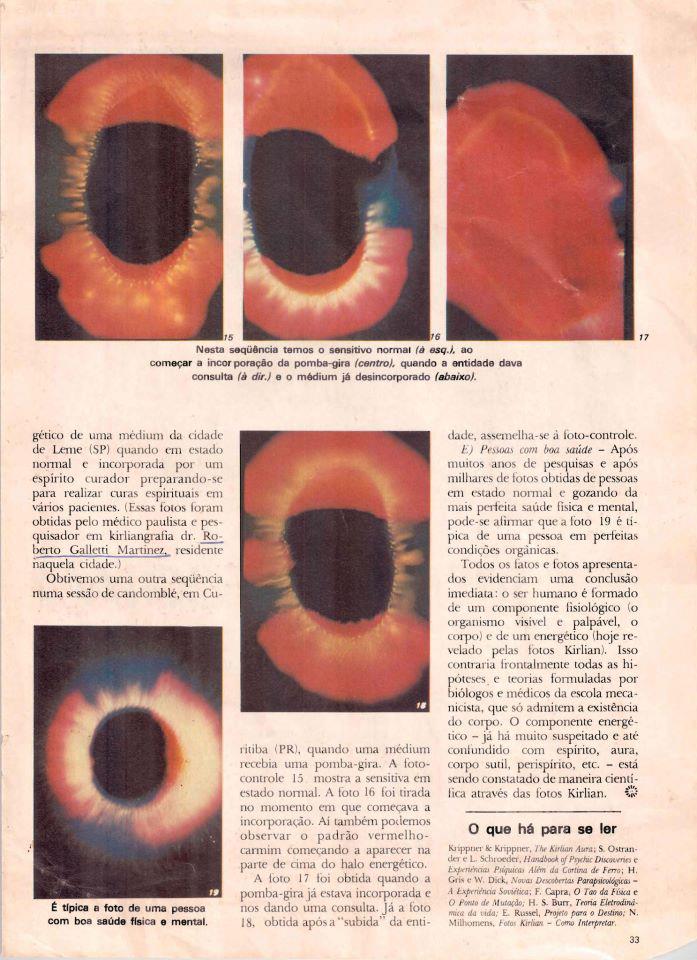
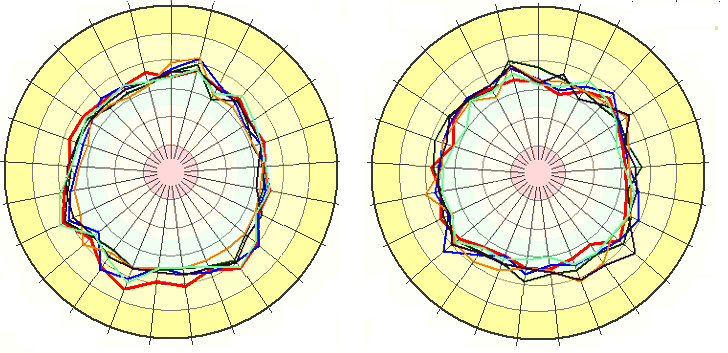
Korotkov image is a complex 2-D figure with each pixel characterized by its brightness coded by integer in the range of 0 (“black”) to 255 (“white”). Geometrical parameters of GDV-images (e.g., the area defined as a sum of pixels exceeding the specified brightness threshold; fractality coefficient defined as relation of the length of the image perimeter to its average radius multiplied by 2Pi, the breadth of streamers) contain the information about the object’s characteristics. For example, with an increase of ion concentration in liquid the glow increases while the streamer breadth decreases. To include such data into the structure of a complex biophysical experiment quantitative processing of the obtained images is required.
GDV chart
GDV Diagnosis Chart, GDV Maps, GDV Tables
Bioelectrography, Electrophotonic Imaging, Gas Discharge Visualisation, Kirliangraphy, Kirlian Photography, Electrophotography, GDV, EPC, EPI, etc
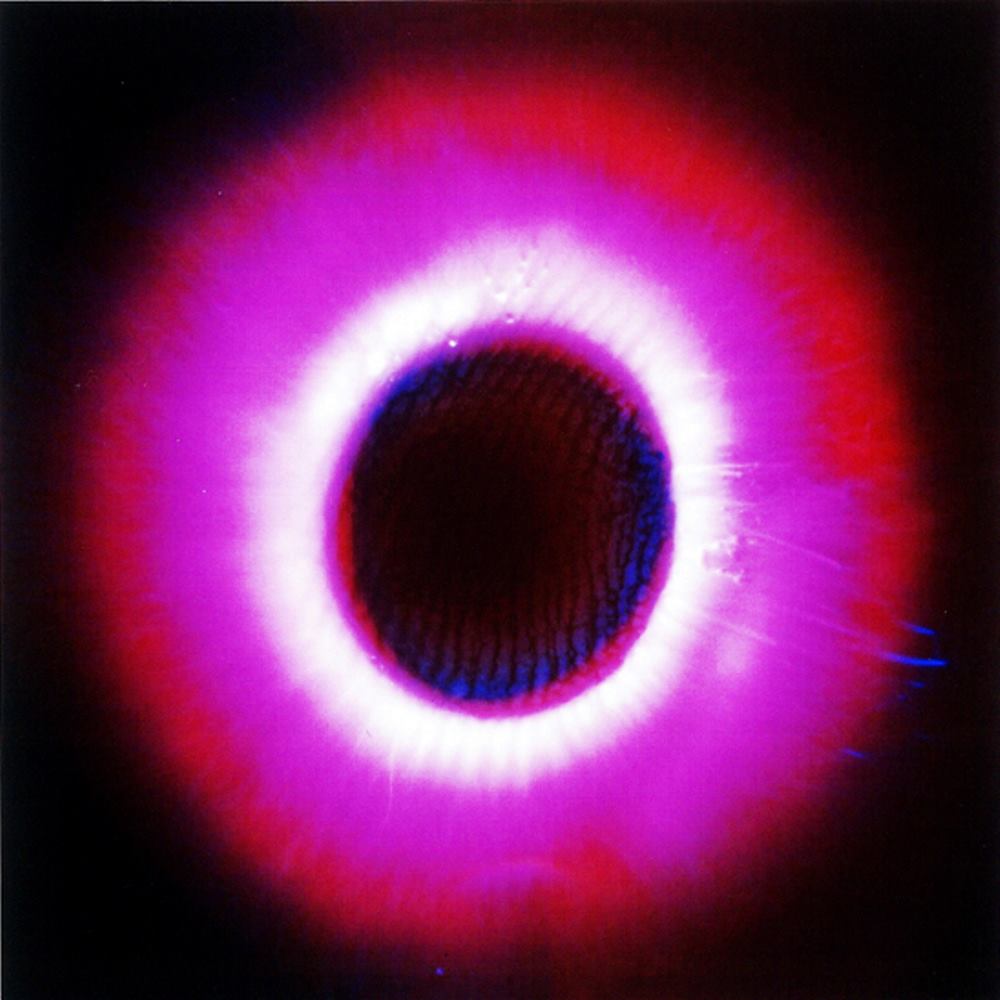
Kirlian Photo gALLERY Kirlian Photography Kirlian Photography is a process that uses pulsed high voltage frequencies & electron cascades to take pictures of usually invisible, radiating energy fields that surround us all. Photo technique. More photos here: Kirlian Photo GALLERY
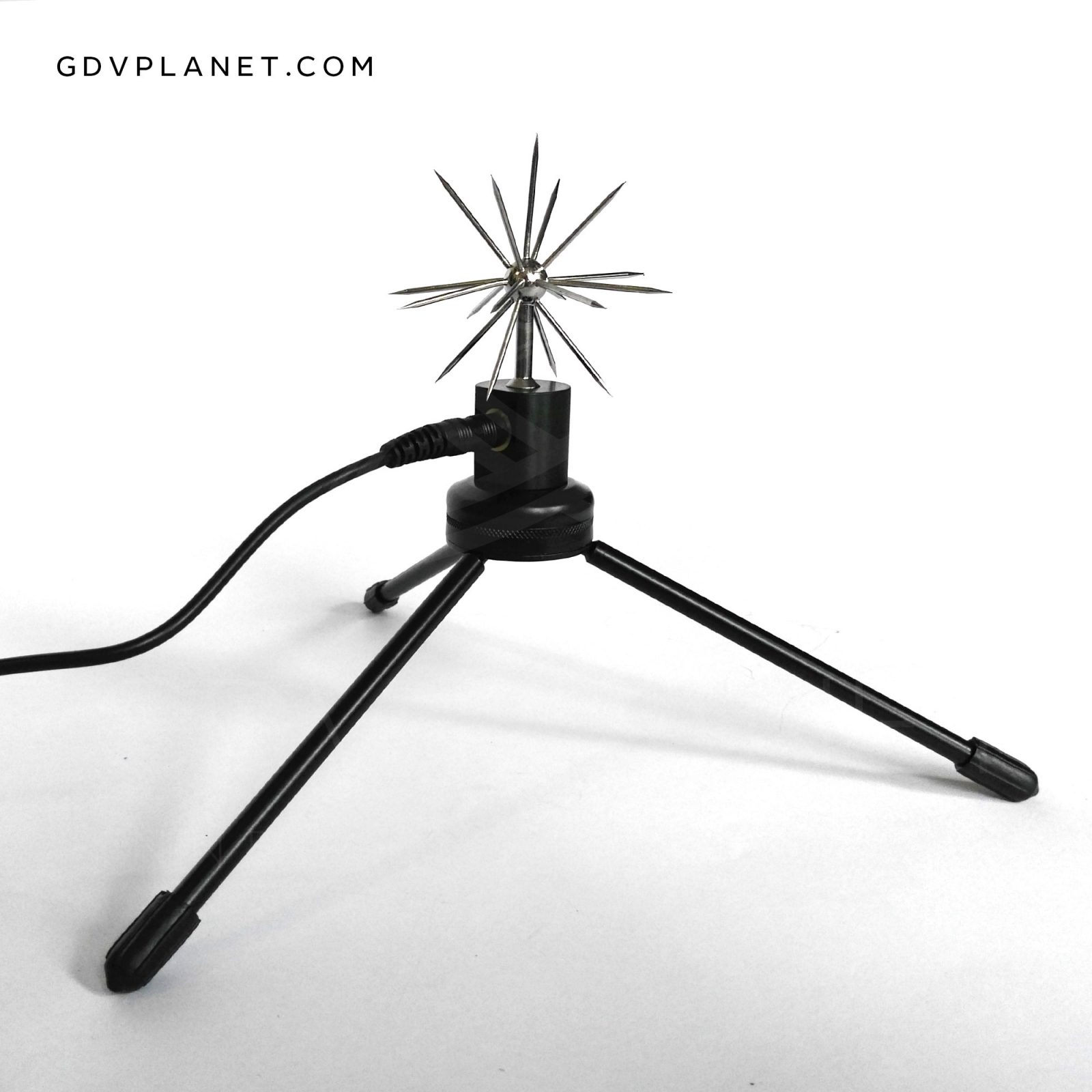
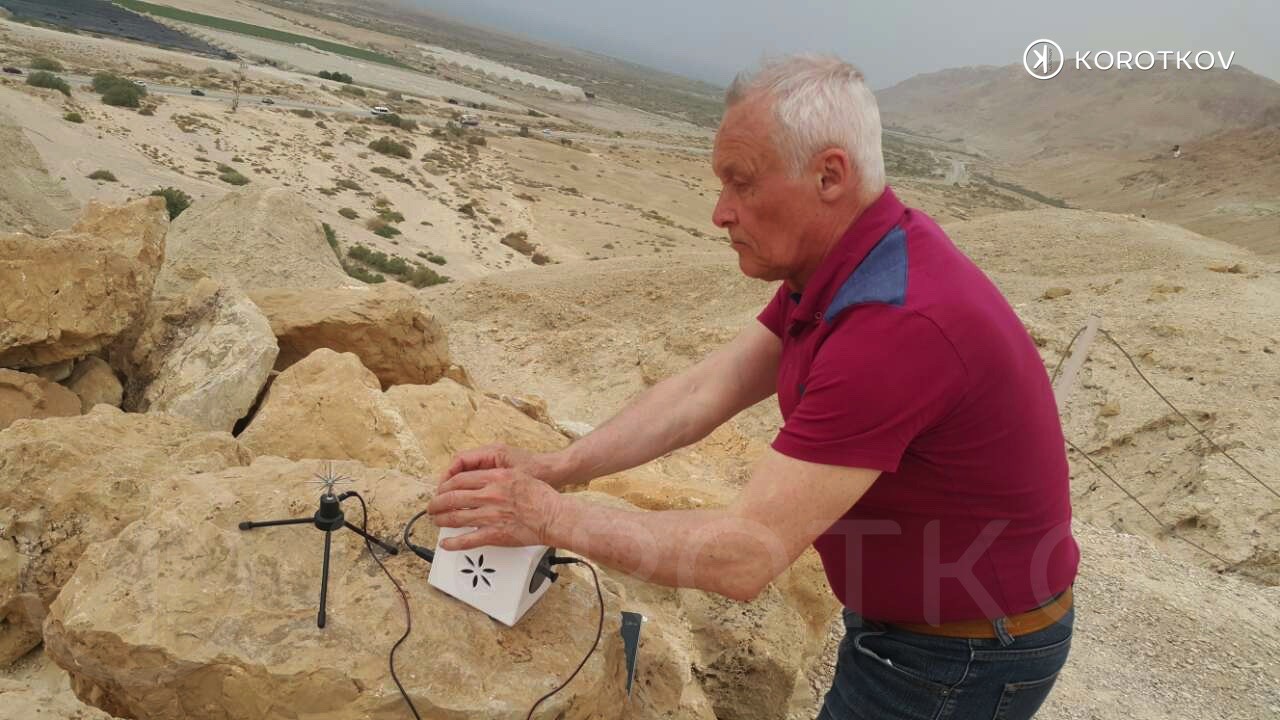
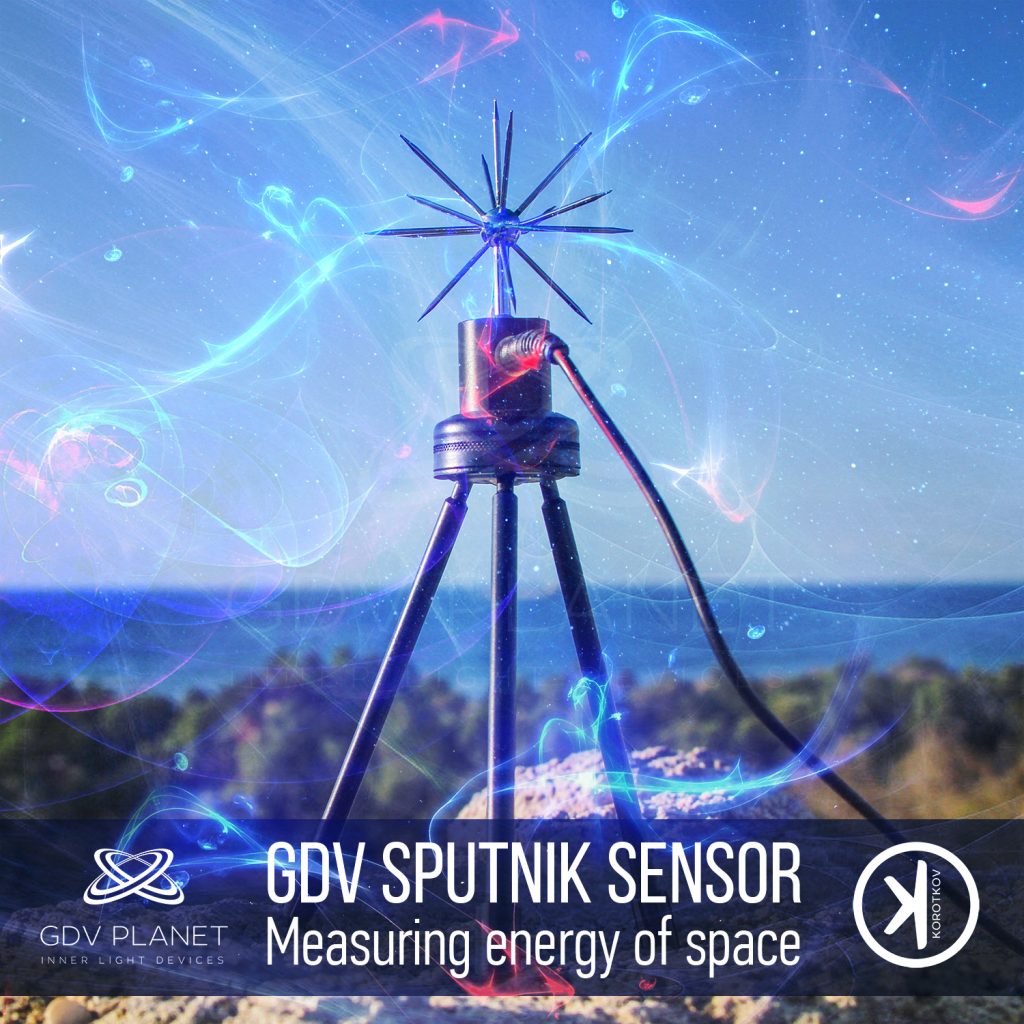
GDV SPUTNIK is a sensor and attachment system that affixes to the GDVCAMERA (Bio-Well device or other models), allowing for the energy of an environment to be read. For example, test the energy of a room before, during and after you meditate to see how energy levels change. Also includes attachments to calibrate your device.
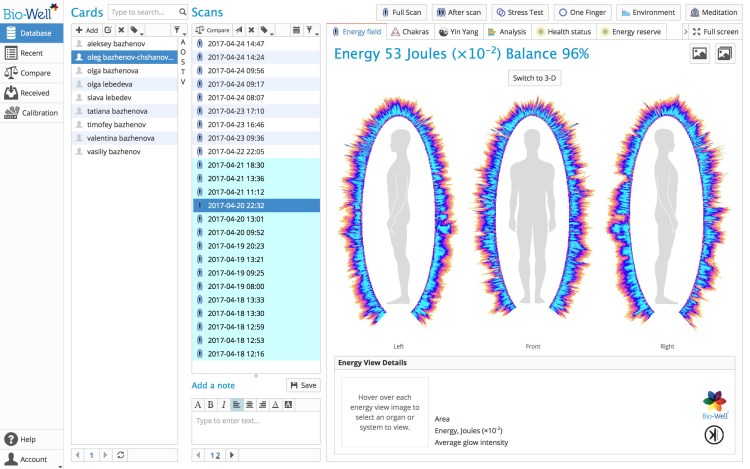
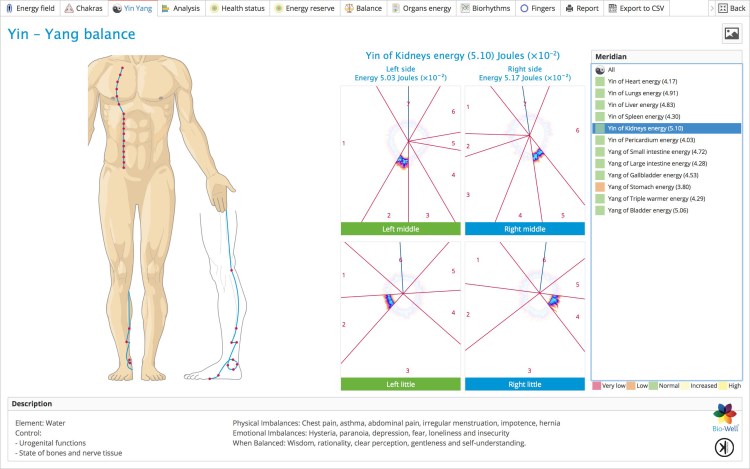
Download the Bio-Well software. This software must be used in conjunction with your Bio-Well device. Once you’ve downloaded the software and purchased a monthly or annual subscription, you can begin performing scans, accessing your database and be on the path to wellness!
If you want to check the functionality of the Bio-Well software before creating your personal Account and paying for the subscription please use Login: medic, Password: medic, or mind/mind; Sputnik/Sputnik. Using these details to log in to the Bio-Well software you will be able to see all the data that Bio-Well software can provide.
The Bio-Well device and software have been optimized for utilization with PC computers running a Windows operating system as well as for Mac OS X systems. Many of our customers do successfully utilize Bio-Well with Mac OS X, but some have experienced inconsistent operation, which may be due to interference by various programs installed on individual computers. The Bio-Well Team endeavors to increase support for Mac in our ongoing software updates. For those customers who may encounter issues when using Mac OS X, we recommend consideration of a secondary Windows-based system as an alternative platform. We further recommend, to all Bio-Well users, implementation of a regularly-scheduled calibration regiment which is essential for accurate and reproducible results and/or changes of environment.
MAC OSX 10.8 & HIGHER
SOFTWARE DOWNLOAD
Does not include iPads. 64 bit platform only.
WINDOWS XP & HIGHER
SOFTWARE DOWNLOAD
Does not include metro style (desktop applications only)
Tablets with Windows 8 are supported
UBUNTU 14 & HIGHER
SOFTWARE DOWNLOAD
ACTIVATE
In order to use the Bio-Well device User needs to have a personal Bio-Well software Account (www.bwacc.com). This Account gives the right to use all the functions of the Bio-Well software.
Once the User makes the first scan with the Bio-Well device – ChipID of that device will be assigned to the Account automatically. Further on User can use only this device (with this ChipID) for scans under this Account
On one Account only one ChipID can be used.
If User somehow connects afterwards another Bio-Well device with different ChipID and makes a scan under the same Account – the Account will be blocked by the system automatically. In such cases User should contact Bio-Well Company support team and explain the reason of such blockage, and provide the Login of the Account. Support team then can manually unlock the Account.
If you have two or more Bio-Well devices at your disposal – please create separate Account for each Bio-Well device.
Bio-Well software access is granted only if the Account is paid. If the Account is expired – Bio-Well User will not be able to log in to the software and will have no access to the Account’s database.
Payments are processed by the PayPal. Bio-Well Company doesn’t process any personal payment information. Payments can be done from the PayPal account and from credit or debit bank card.
Basically there are two prices: Monthly payment is 20$; Yearly payment is 220$ (1 month for Free).
Payments can be done in two ways: Manually and Automatically.
Manual control. If you select this type of payment you will have to prolong your subscription manually each time it expires. Expiry date is demonstrated in the top panel of the Bio-Well software and in the private cabinet of the User on www.bwacc.com.
User can pay for 1, 2, 3, 6, 9 or 12 months at a time. Only paying for 12 months at a time you will have a discount – 1 month for free.
User will have the ability to Pause and Resume the Account subscription. Pausing subscription will save the rest of the paid days and will just move the Expiry date day-by-day.
When the Account is paused User will not be able to access the database.
Automatic billing. If you select this type of payment then your PayPal account or your assigned bank card will be charged once per month (monthly fee of 20$) or once per year (yearly fee of 220$) automatically.
If you click Pause – the date of the next payment will not be altered. You will be charged automatically every month or every year.
At any moment you can cancel the subscription in your PayPal account settings.
If you have read and understood all the above mentioned information – please proceed to www.bwacc.com in order to create your personal Account and pay the Subscription.
See also: Bio-Well software update 5.0 from 1st of April 2015
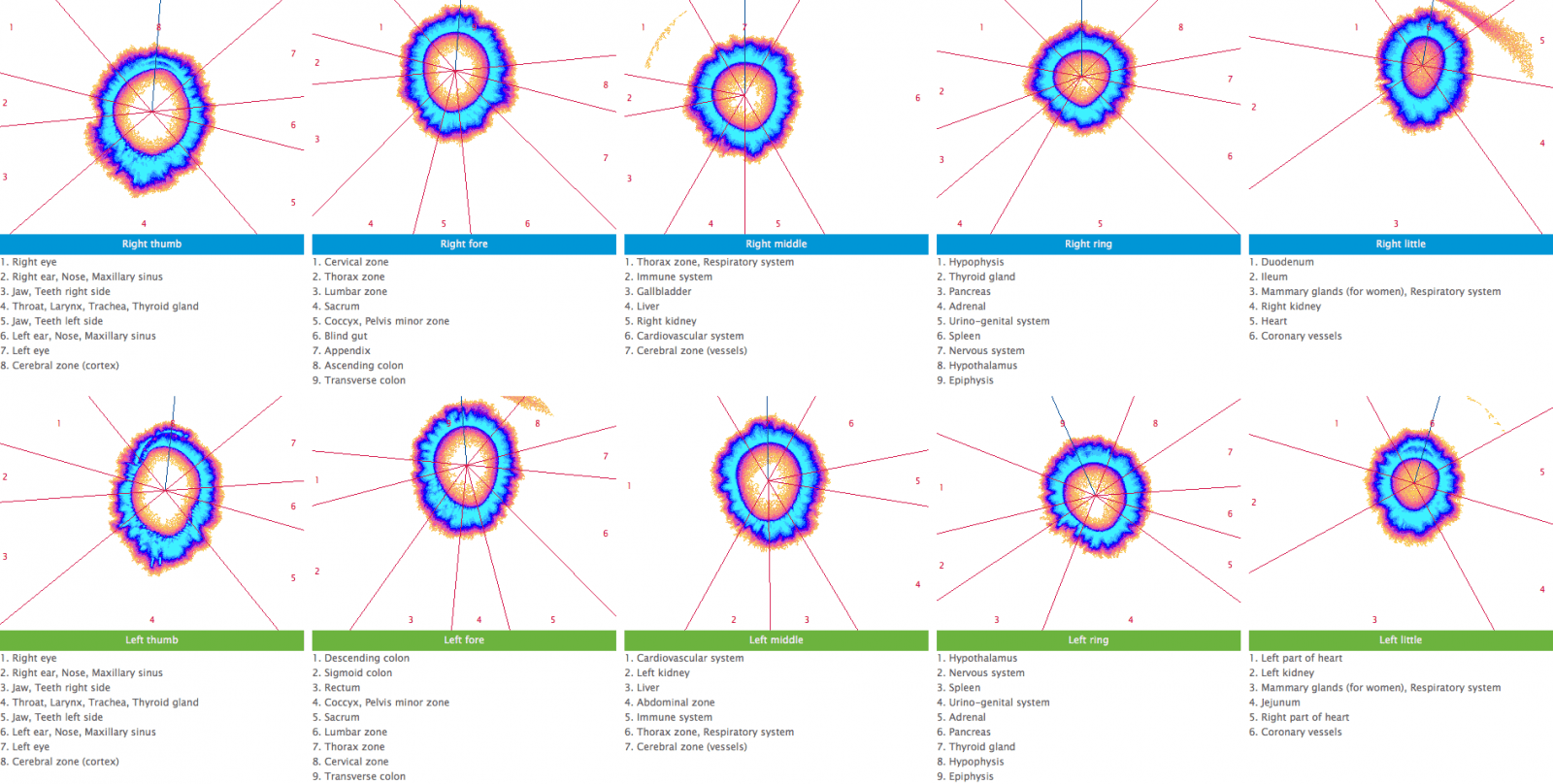
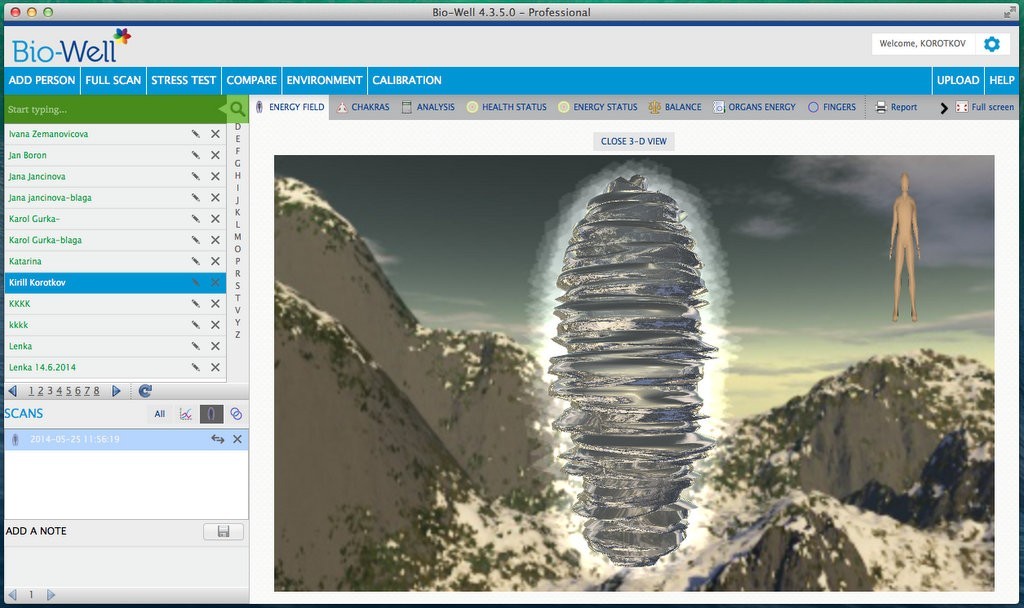
GDV Diagnosis Chart, GDV Maps, GDV Tables and Korotkov’s Images GDV Diagnosis Chart, GDV Maps, GDV Tables Dr. Peter Mandel Dr. Konstantin Korotkov Prof. Newton Milhomens GDV Diagnosis Chart IUMAB FORUM HERE: GDV Diagnosis Chart, GDV Maps, GDV Tables Order the Best GDV Course Now! GDV Diagnostics with Dr. Alexander Dvoryanchikov GDVCAMERA Bio-Well Video Course IUMAB Projects Kirlian … Read more
IUMAB brief history
In the past, a number of associations have been formed by enthusiastic individuals to bring together the scientists involved into research in bio-electrography. After the demise of the International Kirlian Research Association (IKRA) which had been active in the 1970′s, Douglas Dean and Bernard Grad were two of those who felt the necessity of a new effort and made the formation of the International Union of Medical & Applied Bioelectrography (IUMAB) possible.