This proposal closed
GDV BIO-WELL DEALER CONNECT – 4796 $

Gas Discharge Visualization techniques by Dr. Korotkov
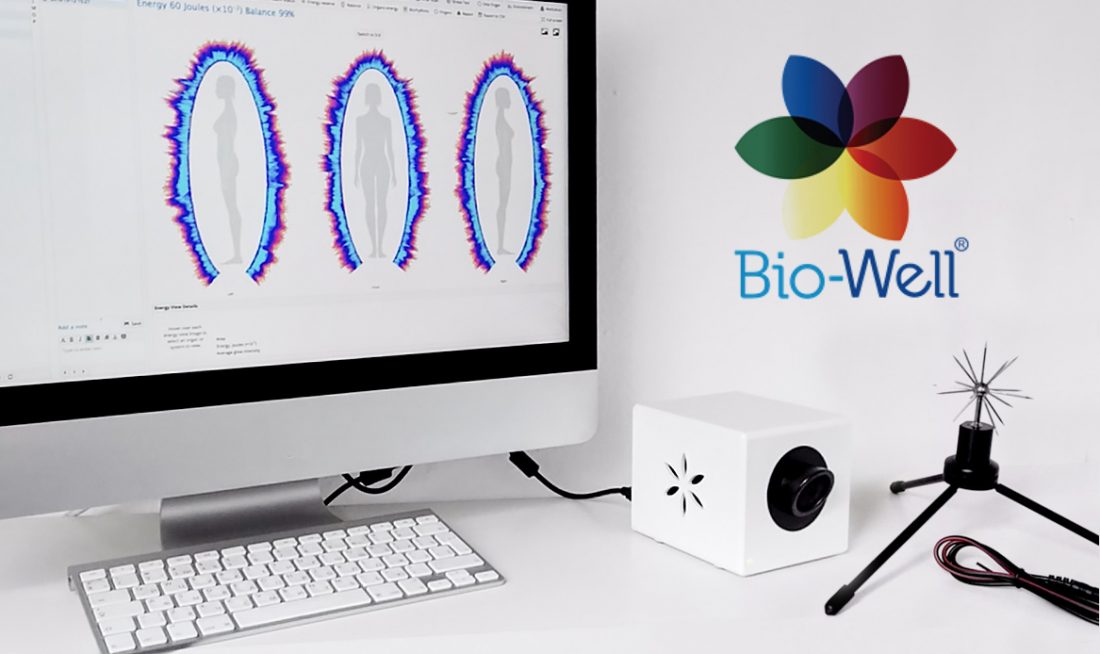
GDV Bio-Well price-list BIO-WELL (2014-2018) – $1399 Bio-Well 2.0 (2018-) – $1899 BIO-WELL – The product consists of a desktop camera and accompanying software, which allows a user to quickly and easily conduct human energy scans. More about BIO-WELL BIO-WELL SPUTNIK – $349 BIO-WELL SPUTNIK is a sensor and attachment system that affixes to the Bio-Well device, allowing for the energy of an … Read more
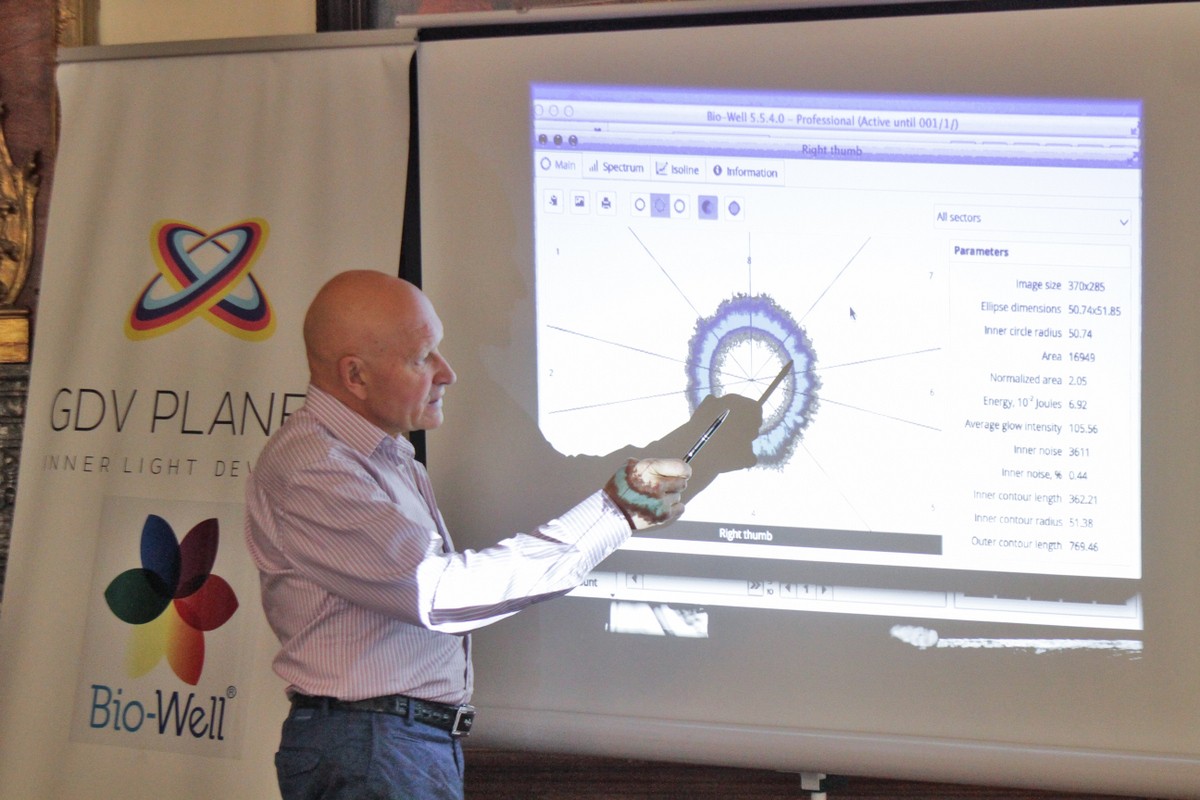
Bio-Well training Dear BIO-WELL users, with your device you will have 2 hours GDV Diagnostics Video Course GDVCAMERA Bio-Well Video Course Bio-Well Basic Level Training Welcome to GDVPLANET YouTube channel! Bio-Well YouTube Tutorials Bio-Well YouTube Calibration Video Manual for Bio-Well by Dr. Korotkov How the training looks like and what it includes: To ensure that the training is … Read more
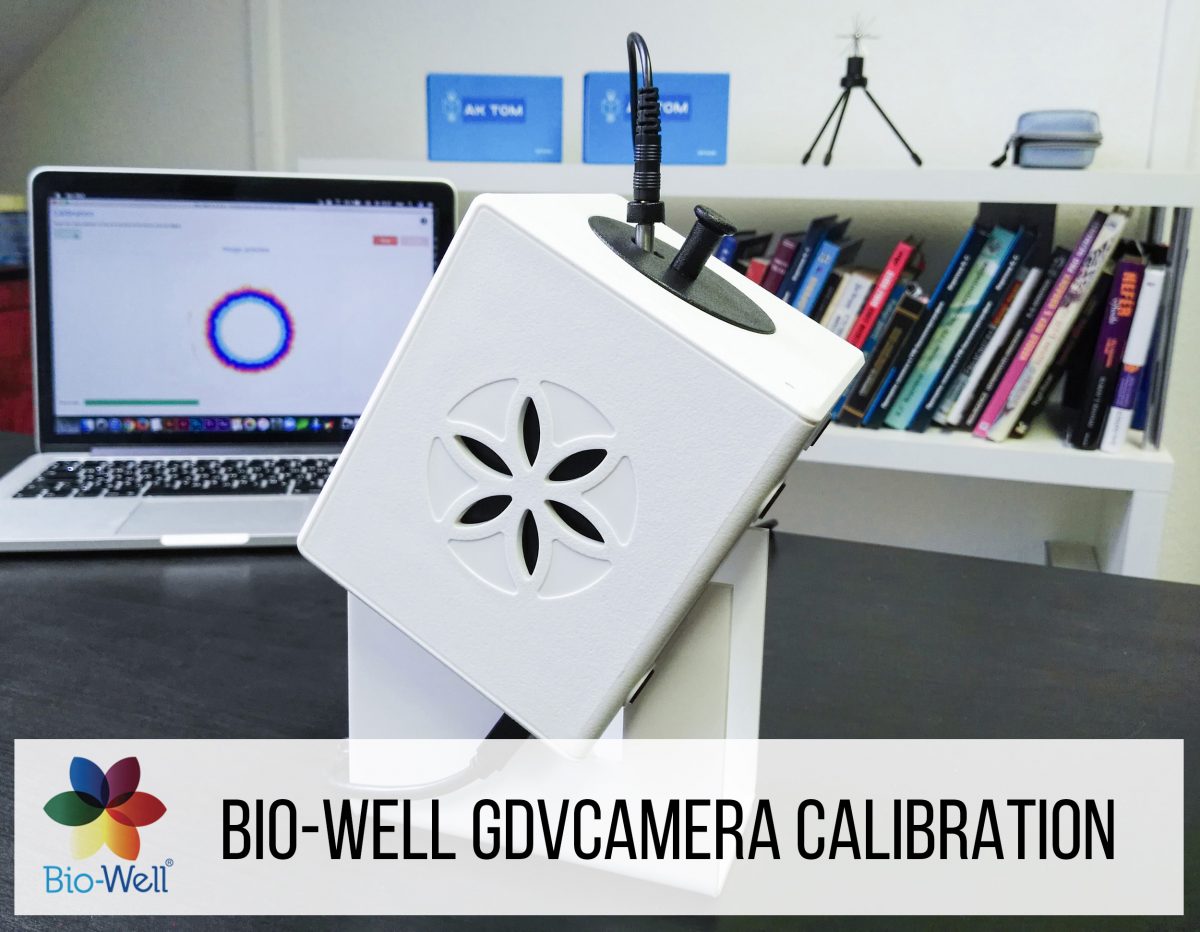
For calibration you will have GDV Accessory Pack with the following items: calibration stand; Ti insert; cable; pack of thing glasses.
To have reproducible reliable data both for human tests and for Sputnik you need to make calibration in the following situations:
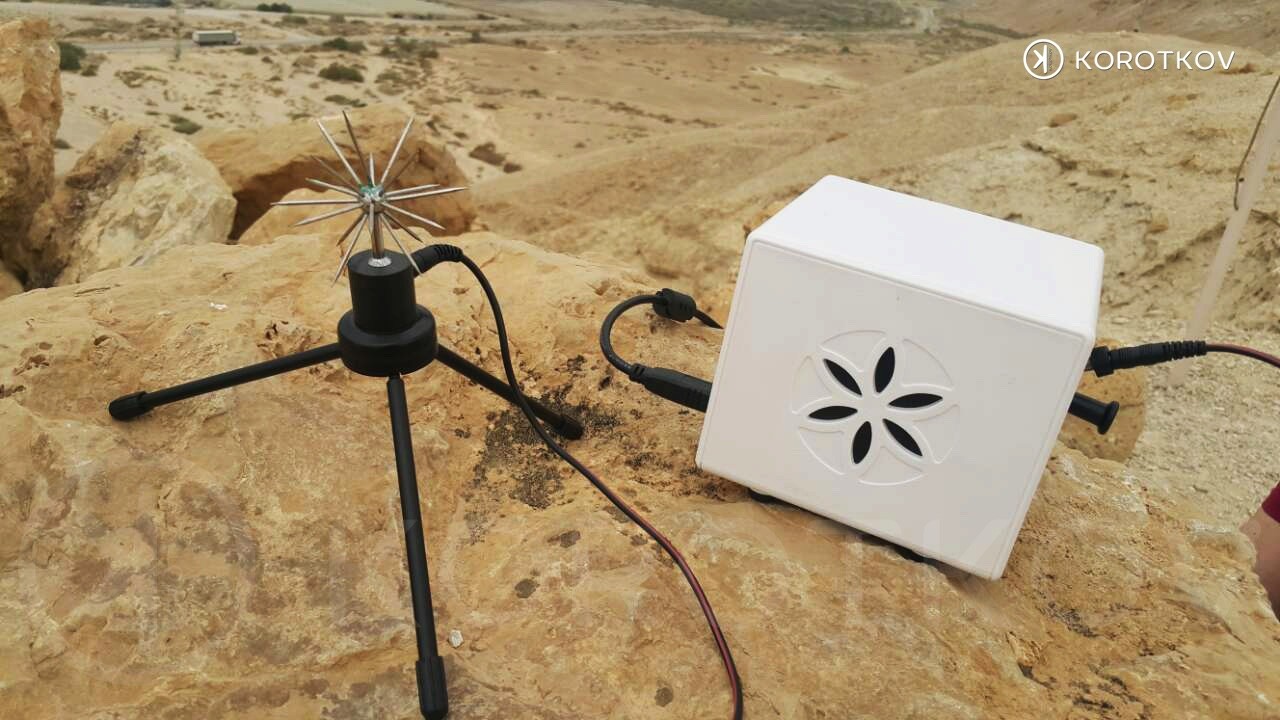
Bio-Well is ontwikkelt door een internationaal team wetenschappers onder leiding van Dr. Konstantin Korotkov en maakt deze indrukwekkende technologie, ook wel bekend als de Gas Discharge Visualization (GDV) techniek en is toegankelijker dan ooit tevoren. Het product bestaat uit een kleine, speciale camera samen met begeleidende software, waarmee een gebruiker snel en eenvoudig menselijke en omgeving-energiescreenings kan maken. Er zijn extra accessoires beschikbaar voor het uitvoeren van omgevingsscreenings.
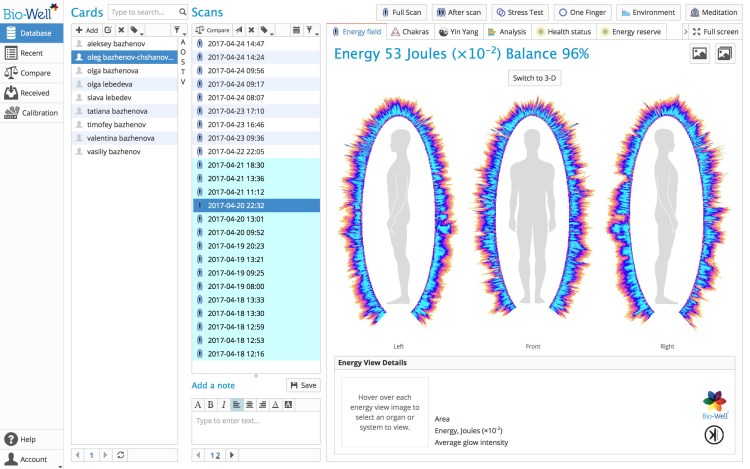
Download the Bio-Well software. This software must be used in conjunction with your Bio-Well device. Once you’ve downloaded the software and purchased a monthly or annual subscription, you can begin performing scans, accessing your database and be on the path to wellness!
If you want to check the functionality of the Bio-Well software before creating your personal Account and paying for the subscription please use Login: medic, Password: medic, or mind/mind; Sputnik/Sputnik. Using these details to log in to the Bio-Well software you will be able to see all the data that Bio-Well software can provide.
The Bio-Well device and software have been optimized for utilization with PC computers running a Windows operating system as well as for Mac OS X systems. Many of our customers do successfully utilize Bio-Well with Mac OS X, but some have experienced inconsistent operation, which may be due to interference by various programs installed on individual computers. The Bio-Well Team endeavors to increase support for Mac in our ongoing software updates. For those customers who may encounter issues when using Mac OS X, we recommend consideration of a secondary Windows-based system as an alternative platform. We further recommend, to all Bio-Well users, implementation of a regularly-scheduled calibration regiment which is essential for accurate and reproducible results and/or changes of environment.
MAC OSX 10.8 & HIGHER
SOFTWARE DOWNLOAD
Does not include iPads. 64 bit platform only.
WINDOWS XP & HIGHER
SOFTWARE DOWNLOAD
Does not include metro style (desktop applications only)
Tablets with Windows 8 are supported
UBUNTU 14 & HIGHER
SOFTWARE DOWNLOAD
ACTIVATE
In order to use the Bio-Well device User needs to have a personal Bio-Well software Account (www.bwacc.com). This Account gives the right to use all the functions of the Bio-Well software.
Once the User makes the first scan with the Bio-Well device – ChipID of that device will be assigned to the Account automatically. Further on User can use only this device (with this ChipID) for scans under this Account
On one Account only one ChipID can be used.
If User somehow connects afterwards another Bio-Well device with different ChipID and makes a scan under the same Account – the Account will be blocked by the system automatically. In such cases User should contact Bio-Well Company support team and explain the reason of such blockage, and provide the Login of the Account. Support team then can manually unlock the Account.
If you have two or more Bio-Well devices at your disposal – please create separate Account for each Bio-Well device.
Bio-Well software access is granted only if the Account is paid. If the Account is expired – Bio-Well User will not be able to log in to the software and will have no access to the Account’s database.
Payments are processed by the PayPal. Bio-Well Company doesn’t process any personal payment information. Payments can be done from the PayPal account and from credit or debit bank card.
Basically there are two prices: Monthly payment is 20$; Yearly payment is 220$ (1 month for Free).
Payments can be done in two ways: Manually and Automatically.
Manual control. If you select this type of payment you will have to prolong your subscription manually each time it expires. Expiry date is demonstrated in the top panel of the Bio-Well software and in the private cabinet of the User on www.bwacc.com.
User can pay for 1, 2, 3, 6, 9 or 12 months at a time. Only paying for 12 months at a time you will have a discount – 1 month for free.
User will have the ability to Pause and Resume the Account subscription. Pausing subscription will save the rest of the paid days and will just move the Expiry date day-by-day.
When the Account is paused User will not be able to access the database.
Automatic billing. If you select this type of payment then your PayPal account or your assigned bank card will be charged once per month (monthly fee of 20$) or once per year (yearly fee of 220$) automatically.
If you click Pause – the date of the next payment will not be altered. You will be charged automatically every month or every year.
At any moment you can cancel the subscription in your PayPal account settings.
If you have read and understood all the above mentioned information – please proceed to www.bwacc.com in order to create your personal Account and pay the Subscription.
See also: Bio-Well software update 5.0 from 1st of April 2015
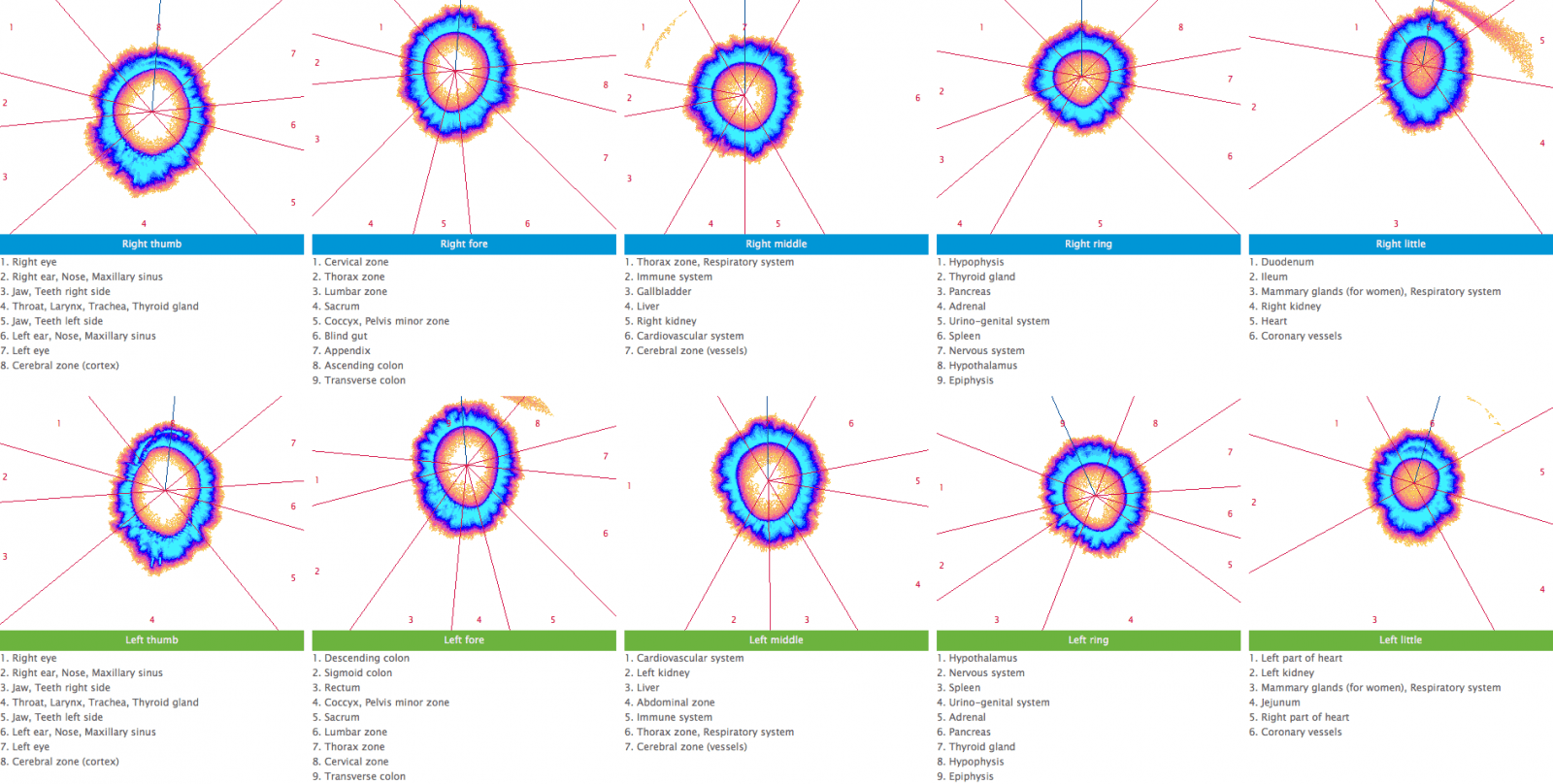
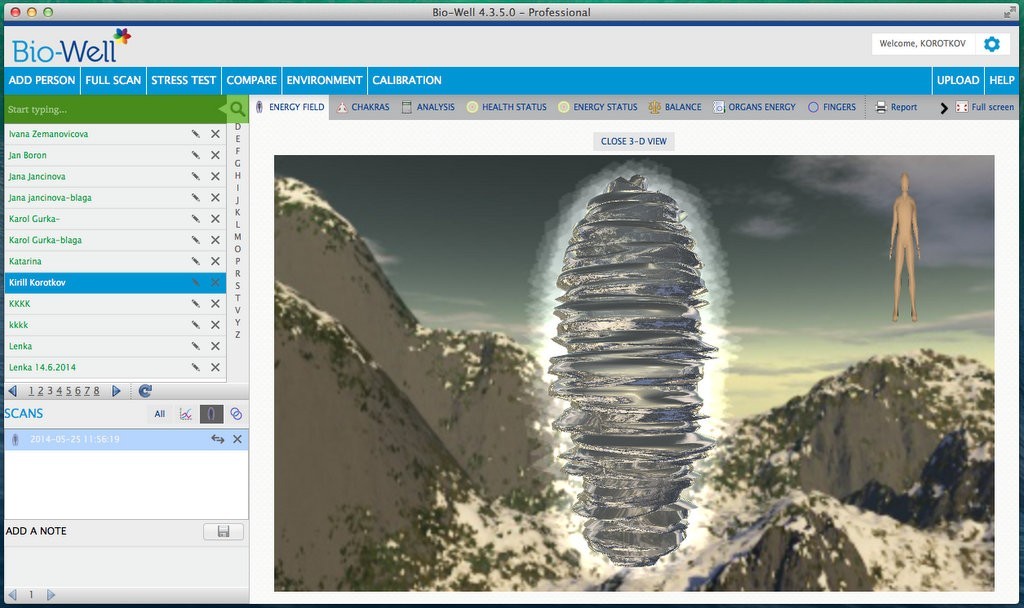
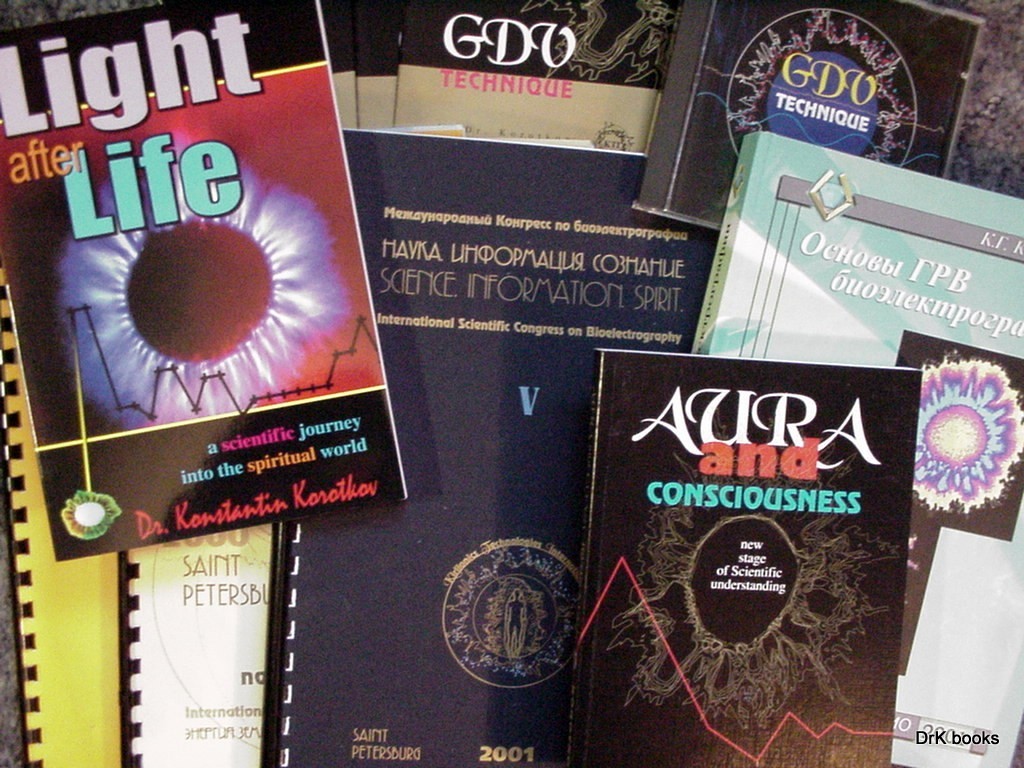
GDV CAMERA Forum under construction Welcome to GDV Library! GDV, EPC, EPI, Kirlian photography, Dr. Korotkov techniques, Crownscopy, etc. GDV Diagnosis Chart, GDV Maps, GDV Tables GDV SPUTNIK – Environmental Research GDV CAMERA GDV Resourses GDV SOFTWARE EPC/GDV SUPPORT GDV Forum using Entropyn technology GDV, Kirlian, Bioelectrography GDV, Kirlian, Bioelectrography Research GDVCAMERA by DrK Forums … Read more
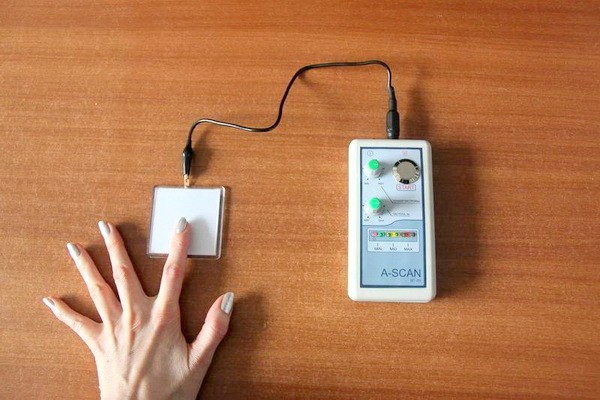
GDV Camera MICRO – external digital process See also: GDV Camera MICRO how to use Unlimited number of prints of the aura Self-monitoring of health status The balance of mental and emotional state Hardware Diagnostics of Karma Discovery and development of latent abilities Tracking the influence of spiritual practices, yoga, taking dietary supplements, and other … Read more